Employee Recognition
& Nomination System
HP — USA
The Challenge
Recognition Running on Email Chains and Word Forms
HP's HR team at their USA division was managing employee recognition entirely through email. Managers nominated colleagues via Word forms attached to emails, forwarded those forms to line managers for approval, and CC'd the HR director for final sign-off. The process was informal, fragile, and inconsistently followed.
Nominations regularly got lost in inboxes. Approvals were delayed by days or weeks. The "recognition wall" — where approved nominations were celebrated — was a shared Excel spreadsheet that had to be manually updated after each approval. There was no automated way to notify recipients, send certificates, or track the status of any nomination in flight.
HR leadership needed a proper, auditable system that would standardise the process, remove the manual overhead, and actually make recognition feel celebrated rather than bureaucratic.
Nominations submitted via email with Word form attachments — easily lost, no centralised tracking
Approval chain dependent on managers reading and forwarding emails — delays of days or weeks
Recognition wall was an Excel spreadsheet — manually maintained, often out of date, not visible to all staff
No audit trail — HR could not prove which nominations were approved, when, or by whom
The Old Process
Before: A 5-Step Manual Nightmare
The Solution
SPFx Nomination System with 3-Stage Automated Approval
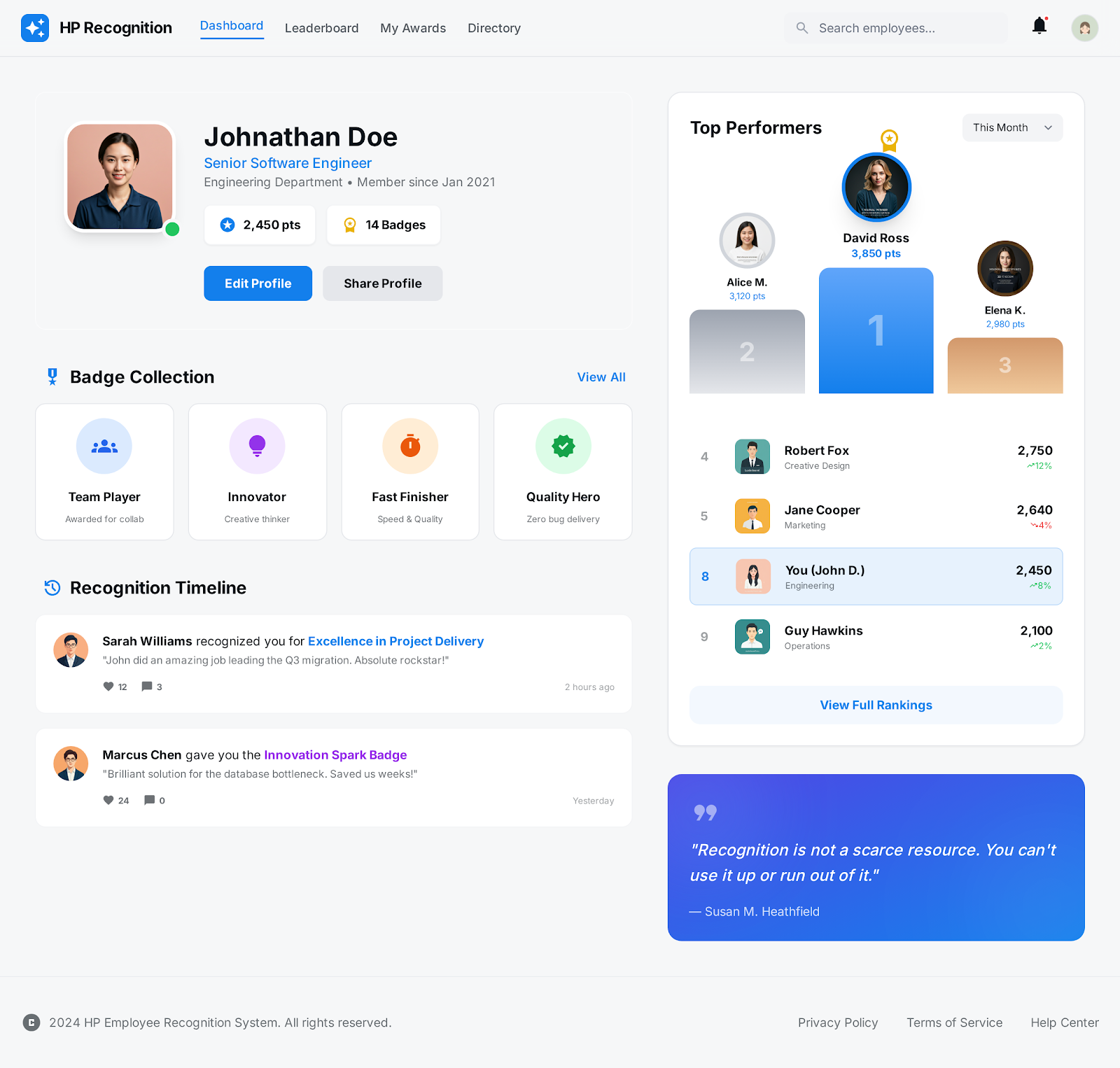
Akshara Technologies built a custom SPFx nomination web part embedded directly on HP's SharePoint intranet. The web part renders a structured, validated nomination form: nominee lookup from Azure AD, recognition category selector, rich description field, file attachment for supporting evidence, and a preview before submission.
On submission, a Power Automate Premium flow kicks off automatically. Stage 1 sends an Adaptive Card to the submitter's line manager in Teams — approve or reject with comments without leaving Teams. Stage 2 routes to the HR director for final approval. Stage 3 triggers automated certificate generation and a recognition notification email to the nominee.
Approved nominations are automatically added to the SharePoint recognition hall web part — a beautiful, filterable gallery visible to all employees. HR receives a weekly digest email every Monday morning summarising all recognitions from the past week.
What Was Delivered
Measured Outcomes
Recognition Transformed in 30 Days
Project Screenshots
The Recognition System in Action
Technology Stack
Tools & Technologies Used
Start Your Project
Ready to Modernise
Your HR Workflows?
From recognition systems to leave management and onboarding automation — we build HR workflows on Microsoft 365 that eliminate manual overhead completely.