HR Process & Leave
Management Automation
Enterprise Client — HR Module
The Challenge
Leave Requests Running on Paper Forms and Email Threads
The HR team was managing employee leave entirely through printed paper forms and manual email routing. Employees filled out paper leave request forms, handed them to their team leads, who then forwarded physical or scanned copies to HR via email. HR manually tracked approvals in a spreadsheet and updated payroll records by hand.
There was no visibility into leave balances for employees — staff had to contact HR directly to find out how many days they had remaining. Approvals were frequently delayed because forms got lost on desks or buried in inboxes. There was no audit trail beyond a filing cabinet of signed paper copies, and payroll errors due to leave miscounting were a recurring problem.
The HR department needed a fully digital, automated system that would eliminate paper, enforce a consistent multi-level approval process, and give employees real-time visibility into their leave entitlements — all built on their existing Microsoft 365 investment.
Paper-based leave forms — easily lost, no central tracking, no status visibility for employees
No real-time leave balance visibility — employees had to contact HR manually for every query
Manual HR routing via email — approvals delayed by days with no escalation mechanism
No audit trail — payroll errors from leave miscounting could not be traced back to any record
The Old Process
Before: Manual Steps Across Paper, Email, and Spreadsheet
The Solution
SPFx Leave Form with 3-Level Power Automate Approval
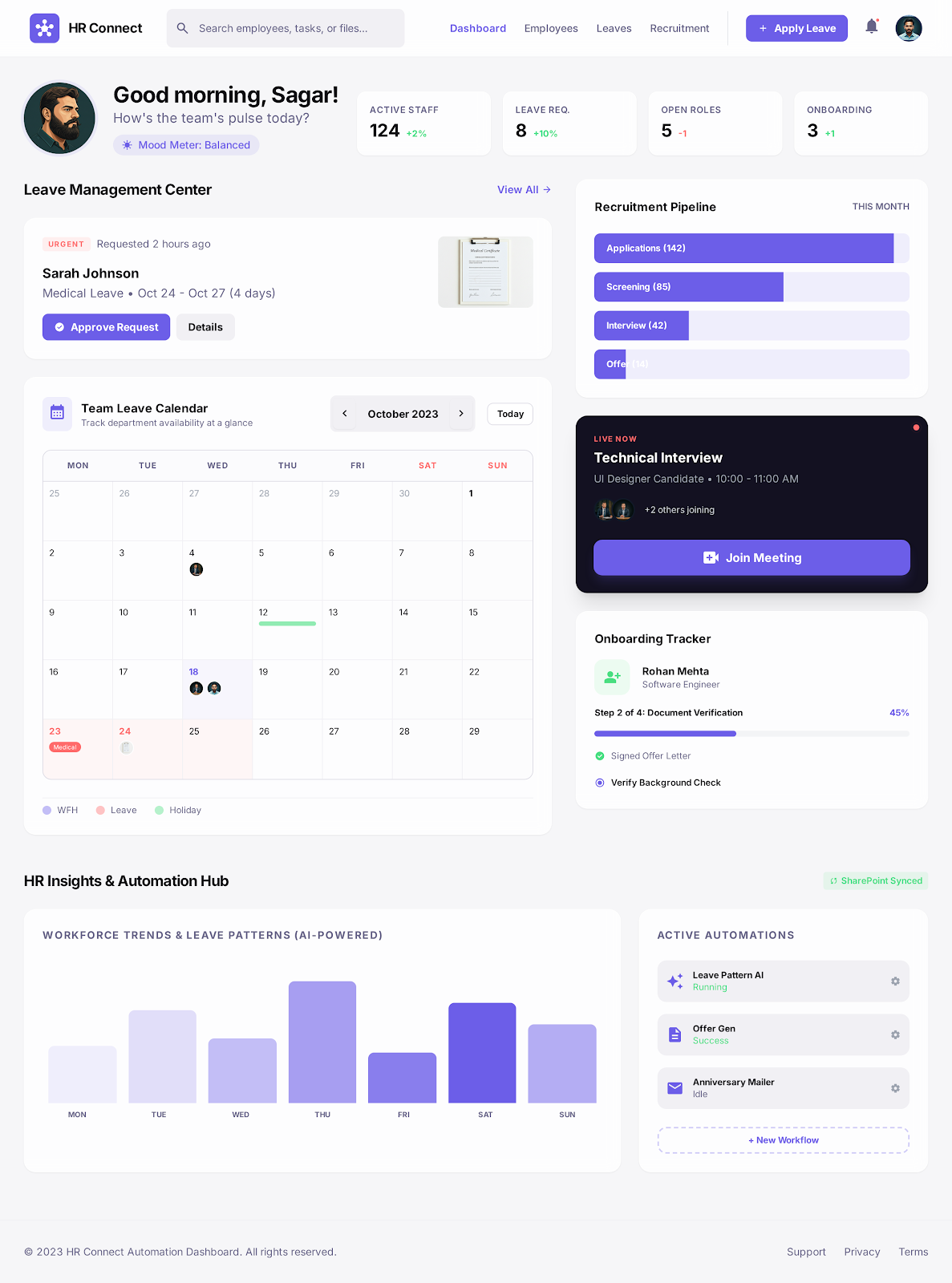
Akshara Technologies built a custom SPFx leave request form embedded on the company's SharePoint intranet. Employees submit leave requests directly in the browser — selecting leave type, start and end dates, and reason — with live leave balance displayed alongside the form from SharePoint List data.
On submission, a Power Automate flow triggers the 3-level approval chain: the employee's team lead receives a Teams Adaptive Card with approve/reject capability without leaving Teams; HR receives the request for policy compliance review; and payroll receives a final notification to update the leave register. Every stage is logged with a timestamp and the approver's identity.
Employees receive automated email and Teams notifications at every stage — submission confirmed, approval pending, approved or rejected with comments. A live leave balance dashboard on the intranet shows remaining entitlements, upcoming approved leave, and leave history — eliminating every manual HR query about balances.
What Was Delivered
Measured Outcomes
HR Overhead Cut to Zero
Project Screenshots
The Leave Management System in Action
Technology Stack
Tools & Technologies Used
Start Your Project
Ready to Automate
Your HR Processes?
From leave management to onboarding and performance reviews — we build HR automation on Microsoft 365 that eliminates manual overhead and gives employees real-time visibility.