Document & Knowledge
Management Hub
UNESCO — Washington D.C., USA
The Challenge
5,000 Documents Across Shared Drives, Email, and Classic SharePoint
UNESCO's Washington D.C. office operated with documents scattered across three different systems: a legacy shared network drive, email attachments that had become defacto document repositories, and an outdated SharePoint classic site that departments had individually customised with no consistency.
There was no metadata taxonomy — documents were named inconsistently, filed in deeply nested folder structures that varied department to department, and had no version control. When a policy was updated, staff had no way to know whether the document they'd bookmarked was the current version. Retrieving the right document for an audit or project required significant time searching across multiple systems.
The organisation needed a single, structured knowledge hub with clear governance: every document in one place, searchable by meaningful metadata, with full version history and an automated way to notify staff when policies they relied on were updated.
Documents scattered across shared drives, email attachments, and 3 different SharePoint classic sites
No metadata or taxonomy — staff navigated deep folder trees to find documents, wasting significant time
No version control — staff could not tell if a policy document was the current version or an outdated draft
Policy updates communicated via email — no systematic way to ensure staff were reading current documents
The Problem Visualised
Before: 15 Departments, 15 Different Systems
The Solution
One Hub, 15 Libraries, Full Metadata Taxonomy
Akshara Technologies designed and built a structured SharePoint document hub with a meticulously planned managed metadata taxonomy. The Term Store was configured with a three-tier taxonomy: Document Type (Policy, Procedure, Form, Report, Template), Department (15 values), and Status (Draft, Under Review, Approved, Archived).
15 department document libraries were created with consistent content types — each document carries metadata on creation, enabling cross-library search without navigating folder trees. A custom SPFx search web part with multi-filter capability replaced the basic SharePoint search, letting staff filter by department, document type, date range, and approval status simultaneously.
Policy versioning was configured with mandatory check-in comments — every change to an approved policy requires a comment explaining the change, creating an automatic audit trail. A Power Automate flow notifies all staff who have saved a policy document when a new approved version is published.
What Was Delivered
Measured Outcomes
A Single Source of Truth for Every Document
Project Screenshots
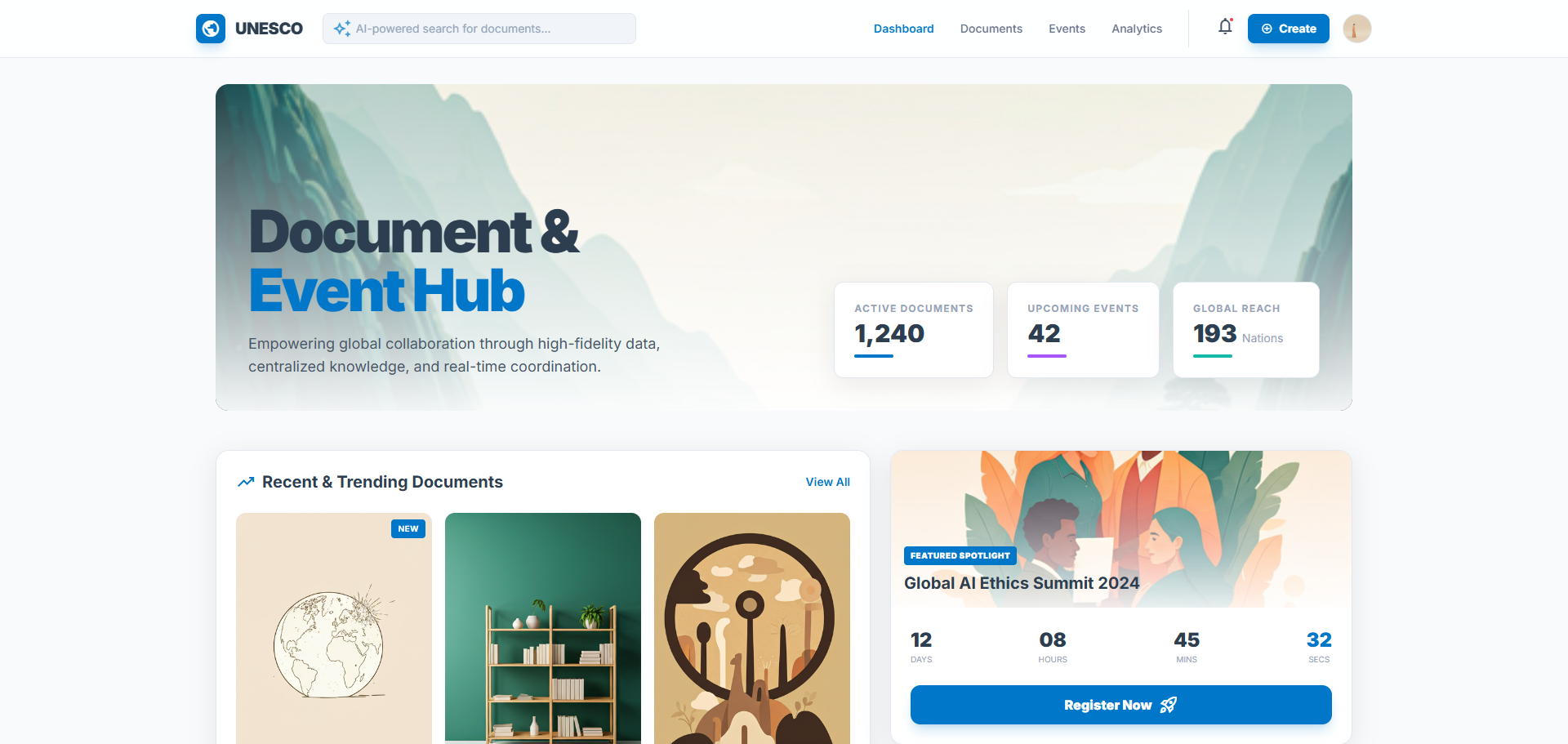
The Document Hub in Action
Technology Stack
Tools & Technologies Used
Start Your Project
Stop Losing Documents
in Email and Shared Drives
A well-structured SharePoint document hub with proper metadata taxonomy transforms how your organisation finds, manages, and governs its knowledge. Let's build yours.